MacWatcher
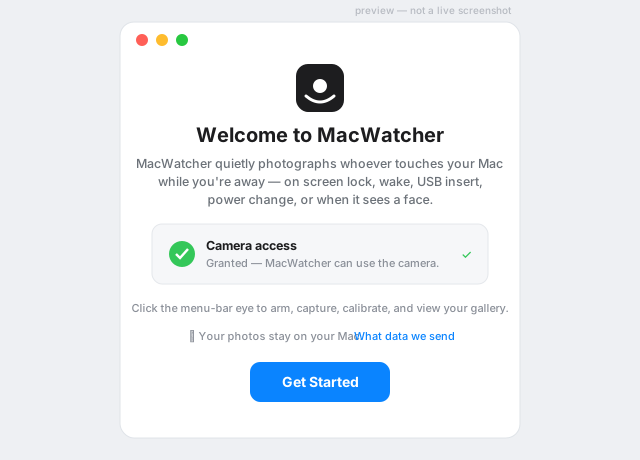
Tamper-evidence for your Mac. Arm it when you step away, and it captures a photo of whoever touches it — triggered by system events or on-device presence detection. Private by design: everything stays on your Mac unless you decide otherwise.
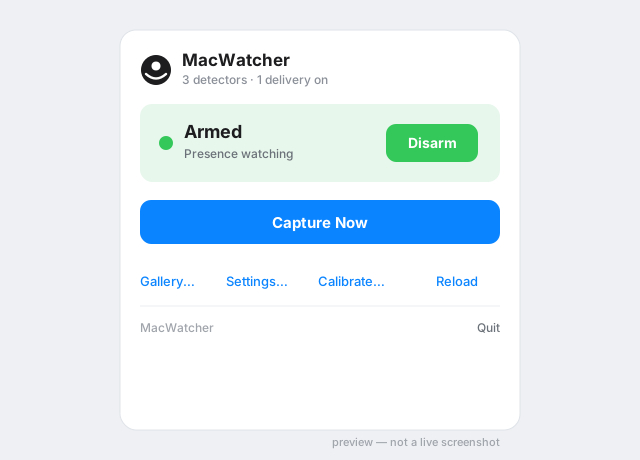
Status
Armed
Presence watching
Screenshots
Features
Event triggers
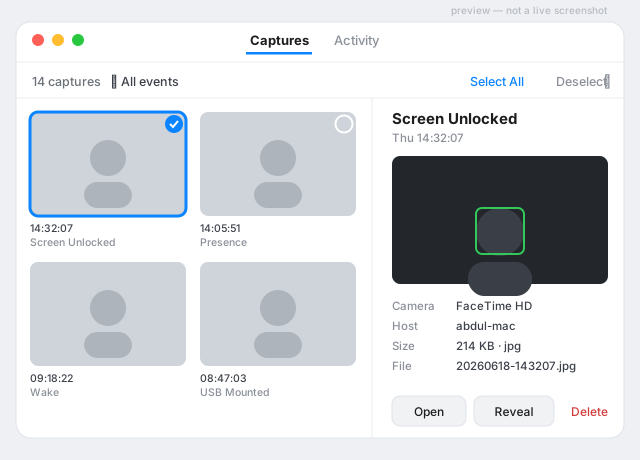
Captures on screen lock, wake, USB insert, power change, and more.
Presence detection
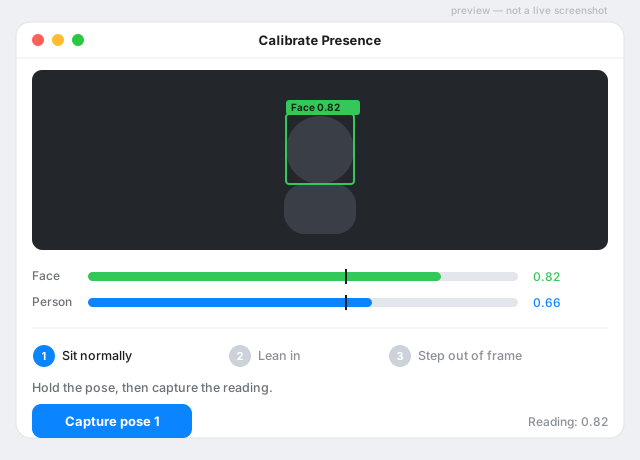
On-device Vision detects a person or face and captures — no cloud.
Burst capture
Take a single shot or a short burst after an event.
Local first
Photos and logs stay on your Mac unless you choose to deliver them.
Menu-bar app
Arm, capture, calibrate, and browse a gallery from the menu bar.
Delivery
Optional delivery to a destination you configure, queued offline.
Privacy & permissions
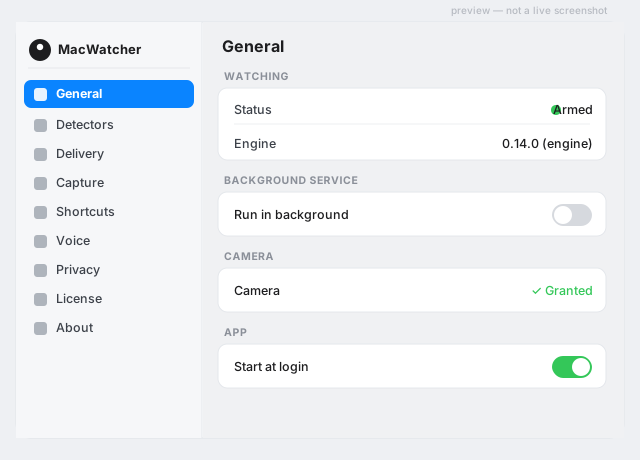
MacWatcher runs on your own machine, with your consent. macOS shows the green camera indicator whenever the camera is active — that is expected for a visible anti-theft tool. The app requests camera access on first use; captured images stay local unless you configure a delivery integration.
FAQ
Does it work while the screen is locked?
Yes — presence and triggers run while away-mode is armed, locked or not.
Where do my photos go?
They are written to your Mac. Delivery elsewhere is optional and configured by you.
Is there a trial?
Yes — a 14-day trial before purchase.
Which Macs are supported?
Apple Silicon and Intel Macs running macOS 13 (Ventura) or later.